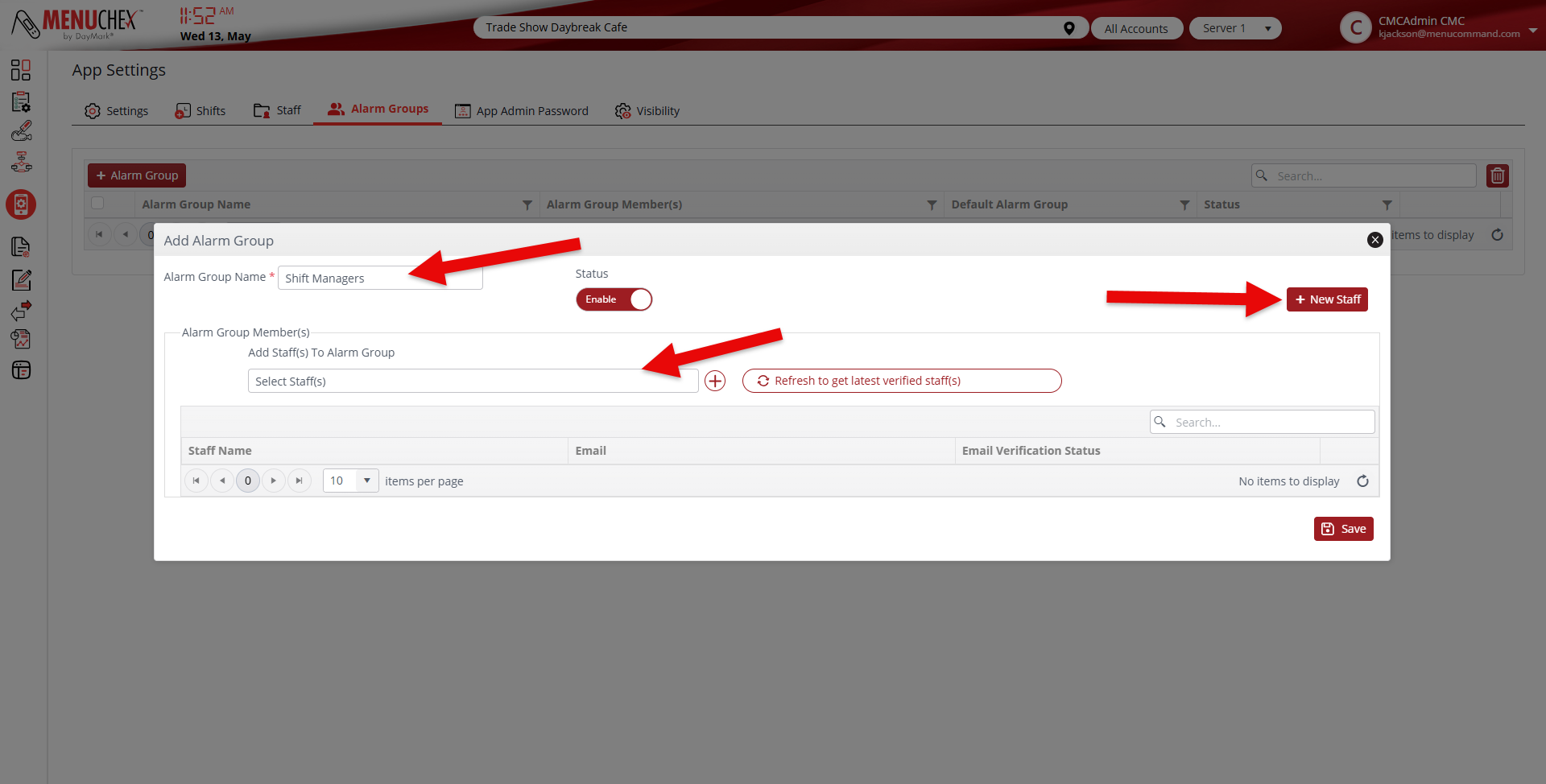
This describes how to create alarm groups which will send specific alerts to users based on things like completion or non completions of tasks.
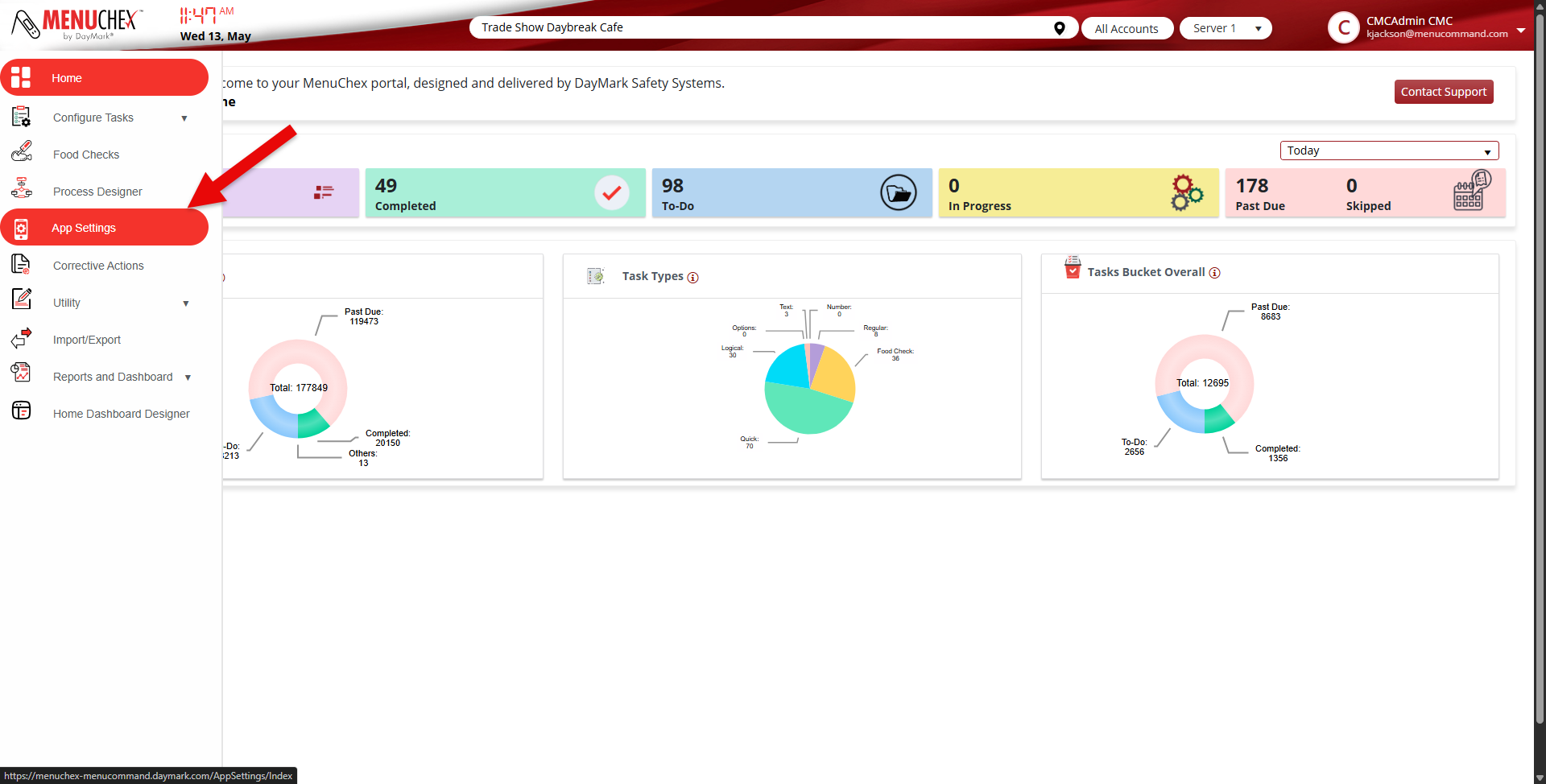
- Click on App Settings
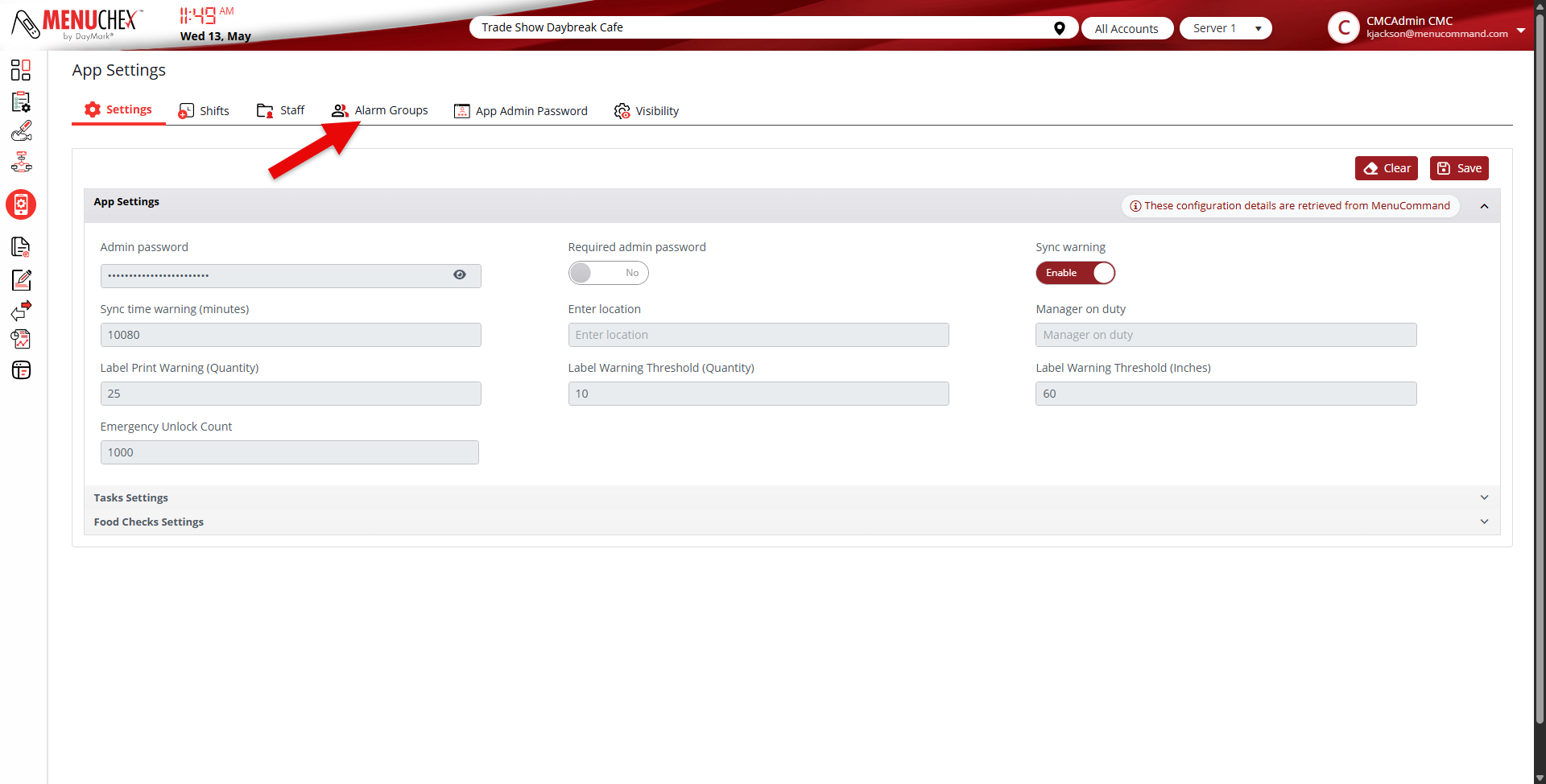
- Click on Alarm Groups
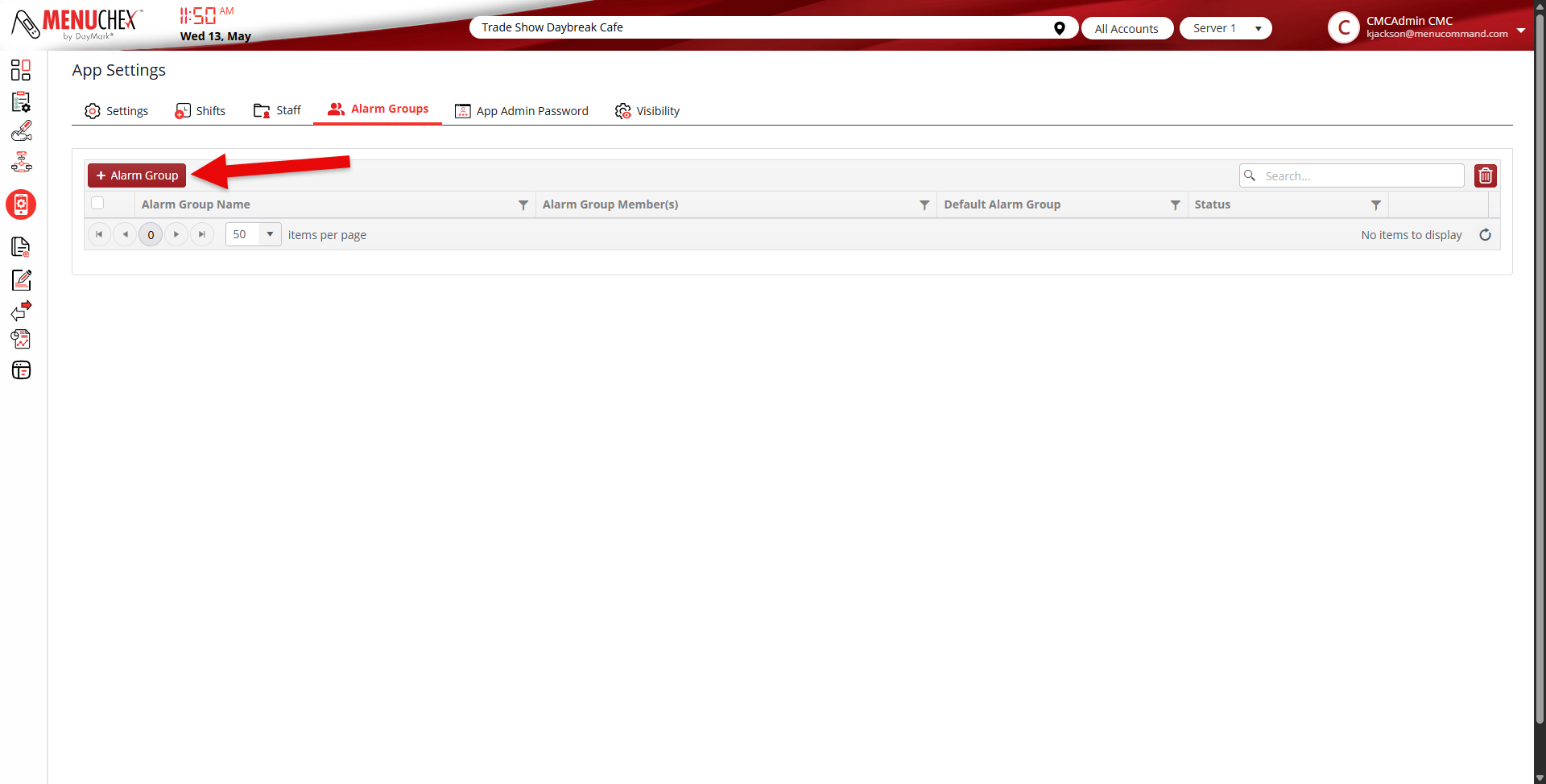
- Click on + Alarm Group button
- Give the alarm group a name
- If adding corporate staff to the alarm group click on the + New Staff button
- Once the email address is added and verified It can be added to the alarm group
- The users are added in the dropdown that says Select Staff
- Store users have to be added at the individual store locations so they only receive alerts for their specific store location.
- The process is the same to add those users as creating corporate users described above.